
Smart Anti-Theft Protection for Your Belongings
Welcome to BagSentry! This guide will help you set up your device, configure your security settings, and protect your belongings wherever you go.
1. Getting Started
BagSentry uses your phone’s built-in motion and light sensors to guard your bag in public places like the gym, swimming pool, beach, library, or airport. No extra hardware or internet connection is required.
- Download & Install: Get BagSentry from the Google Play Store.
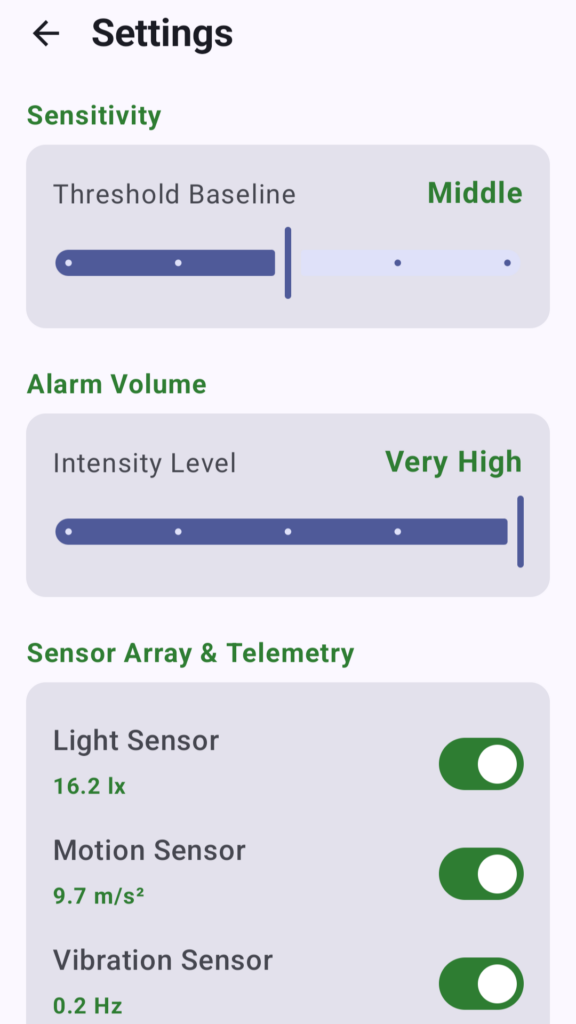
- Grant Permissions: Allow the necessary sensor and foreground service permissions so BagSentry can monitor your bag reliably while your screen is locked.
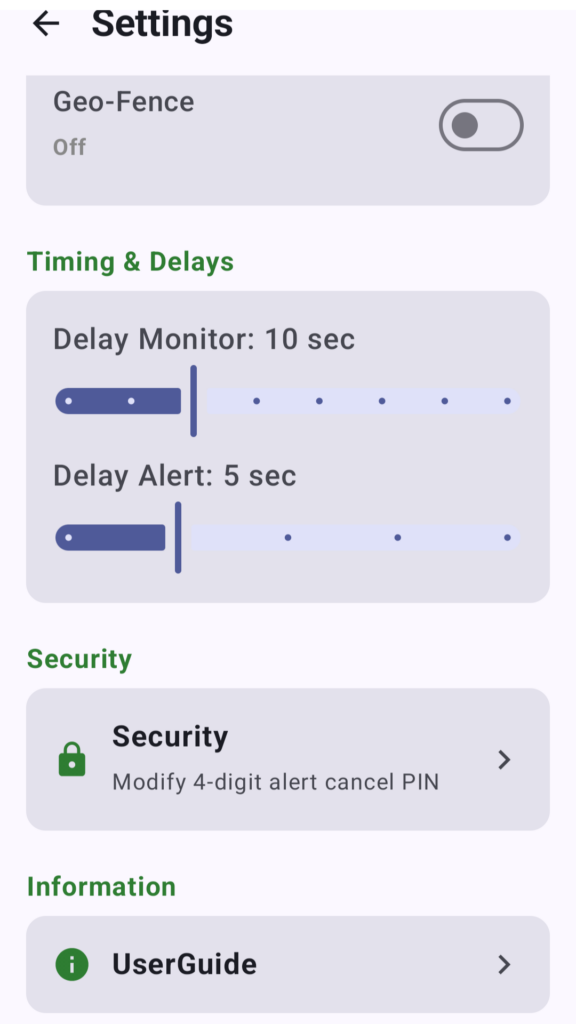
- Set Your Security PIN: Choose a secure 4-digit PIN that you will remember. You will need this PIN to disarm the alarm.
2. How to Arm Your Bag
When you need to step away from your bag or luggage:
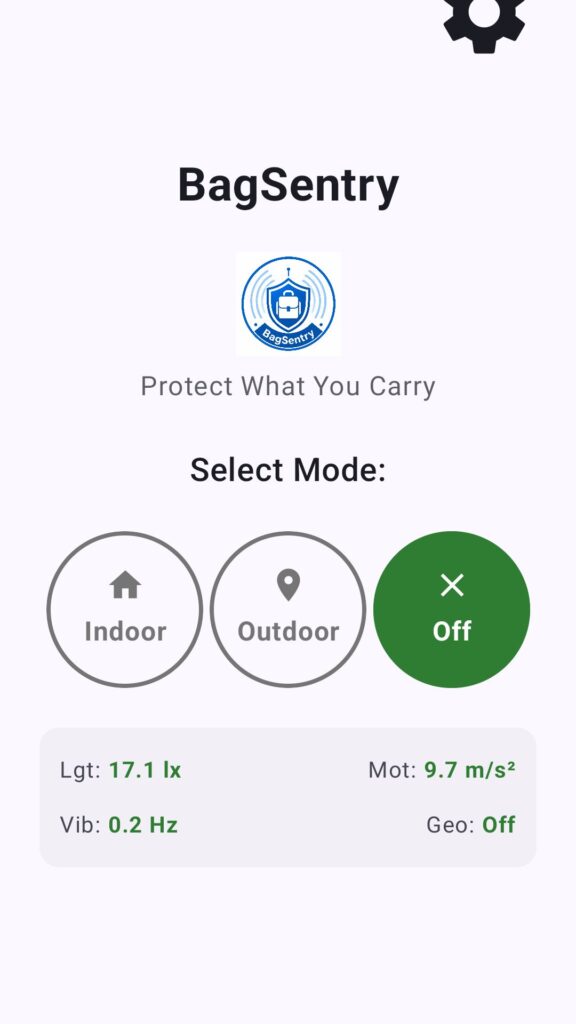
- Open BagSentry and enter your PIN if prompted.
- Place your phone inside your bag (resting flat or in a pocket where motion and light can be measured).
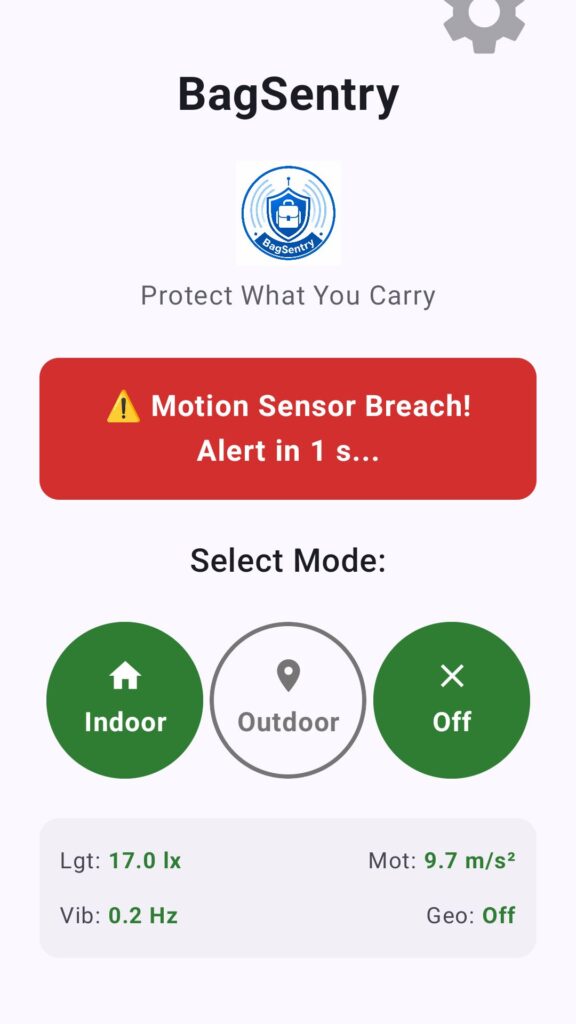
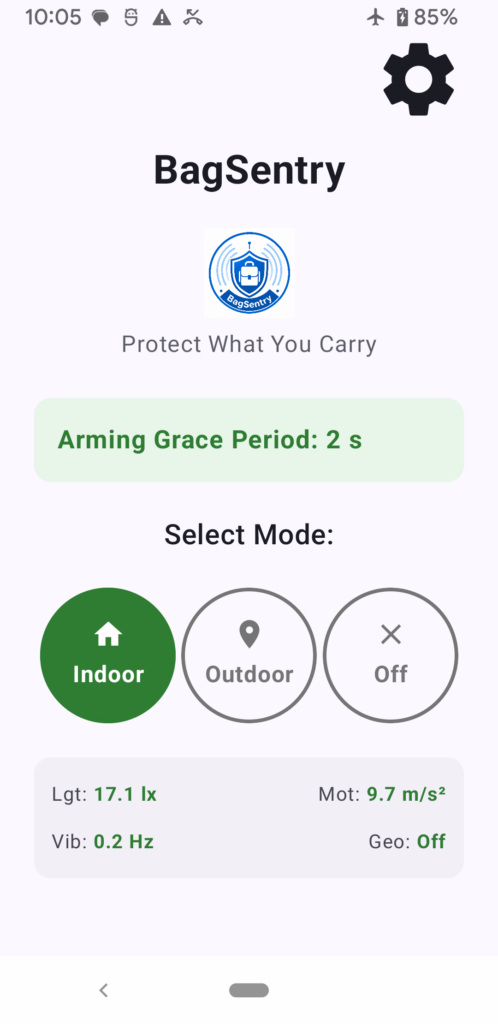
- Tap “Arm Alarm”. You will have a brief countdown window to close your bag and walk away.
- Once armed, the app runs quietly in the background via a secure foreground service.
3. How Detection Works
BagSentry monitors two primary triggers to detect potential theft:
- Motion & Tilt Detection: If someone picks up, shifts, or runs away with your bag, the accelerometer senses the movement and triggers an instant alarm.
- Pocket & Bag Guard: If someone unzips your bag or shines a light into it in the dark, the light sensor detects the sudden change in ambient light and sounds the alarm.
4. Disarming the Alarm
If the alarm goes off:
- Retrieve your phone.
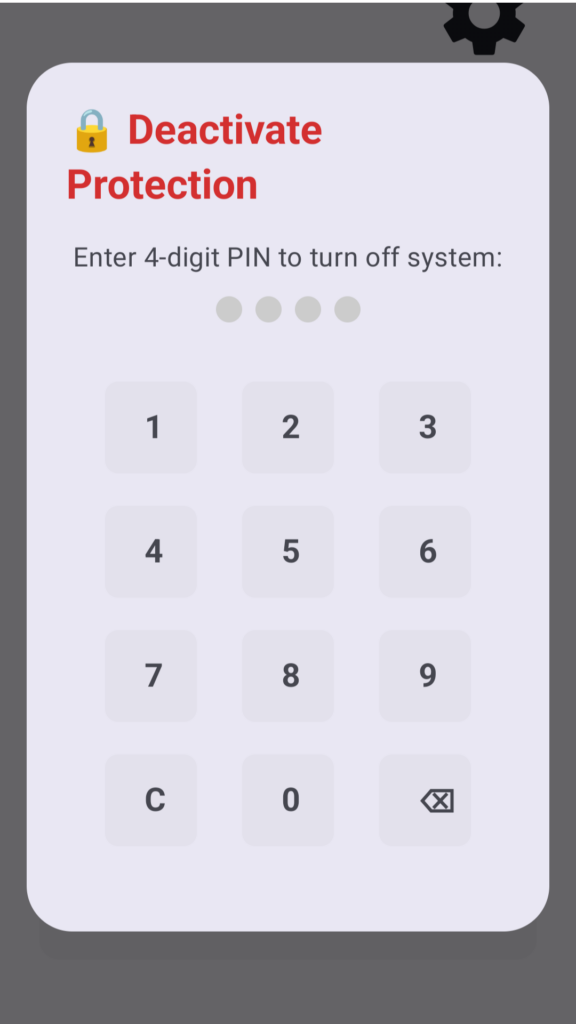
- Enter your secure 4-digit PIN into the app interface to instantly stop the siren and disarm the system.
5. Frequently Asked Questions (FAQ)
- Q: Why does BagSentry use a foreground service?
- A: The foreground service ensures that your phone’s operating system keeps the motion and light sensors active even when your screen turns off or your phone is tucked deep inside your bag.
- Q: Does BagSentry track my GPS location or send my data to the cloud?
- A: No. All security monitoring, sensor calculations, and PIN checks happen locally on your device. We do not track your location or collect your personal data.
- Q: What should I do if I forget my PIN?
- A: Because your security data is kept strictly on your device for privacy, you need to reinstall the Bagsentry app again when you forget the PIN.
- Q: Does it drain my battery?
- A: BagSentry is engineered to be lightweight and efficient, utilizing low-power sensor states to protect your battery life during active monitoring.
Need more help? Email us directly at admin@wiserighteous.org.
© 2026 WiseRighteous Network. All rights reserved.